ChatGPT is an AI-powered language model-based chatbot developed by OpenAI, capable of generating human-like text based on context and past conversations. It is available as a web app and a mobile app. So, today we learn how to download ChatGPT mobile app on Android officially .
How to Download ChatGPT Mobile App on Android:
To download ChatGPT mobile app in Android follow these steps:
Step-1: Open Google Play Store app in your mobile.
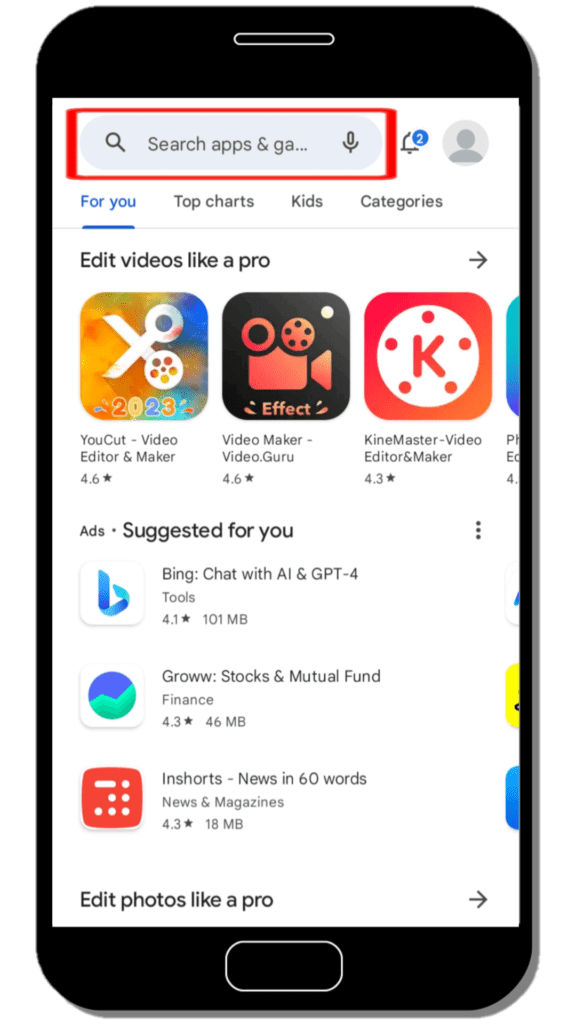
Step-2: On the search bar type “ChatGPT” and click search button.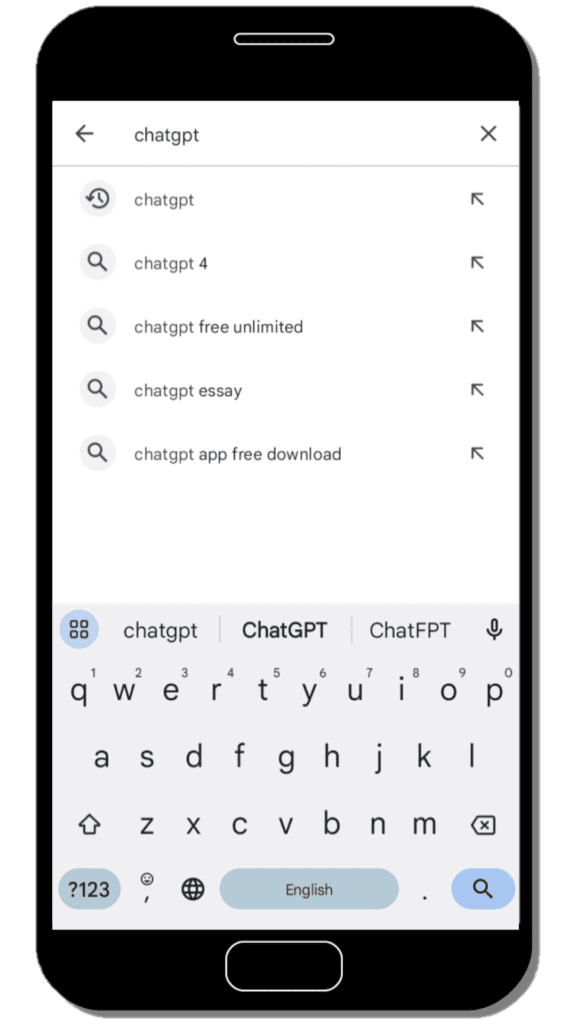
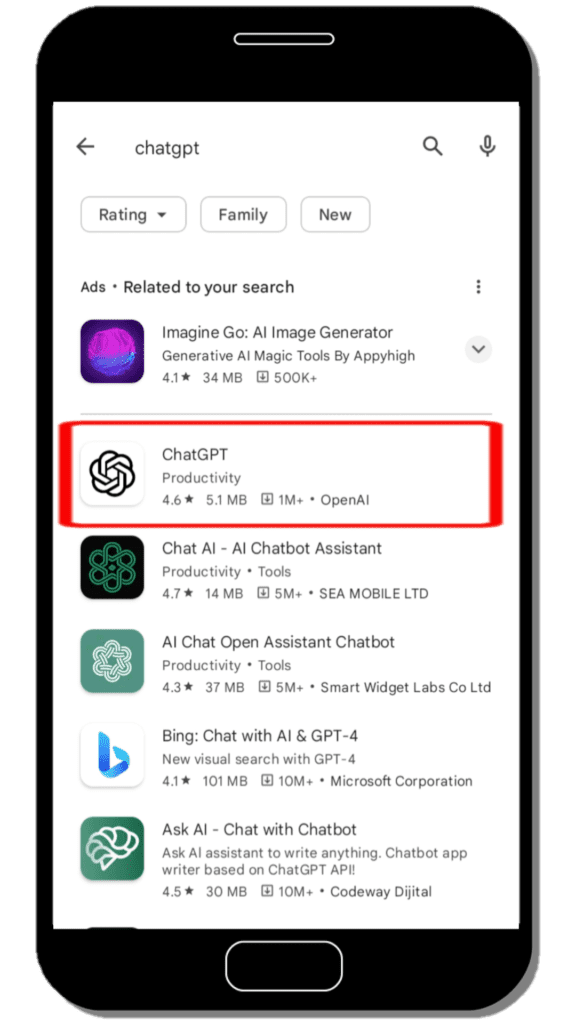
Step-3: Click on “ChatGPT” app or click here and then click “Install” button.
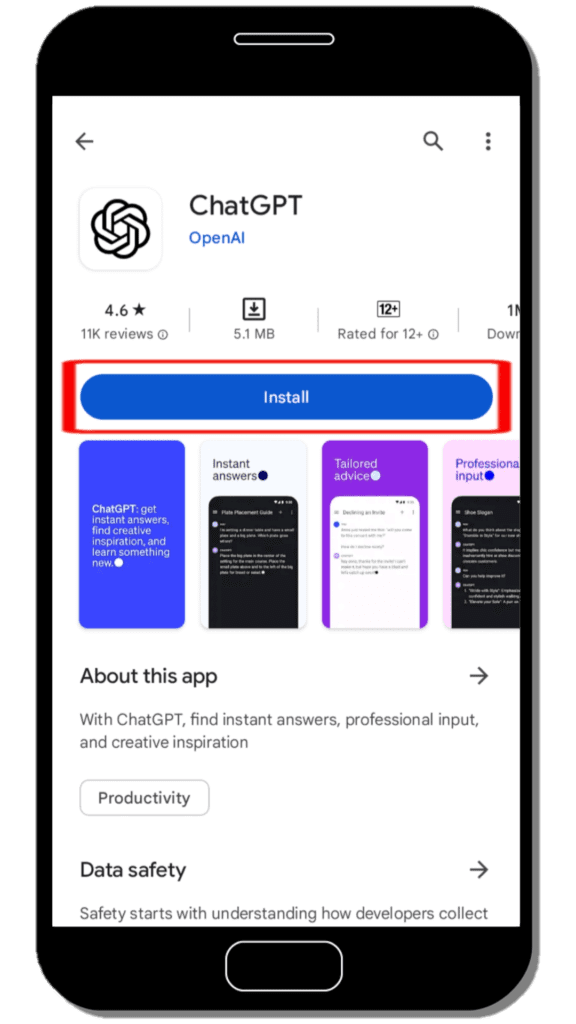
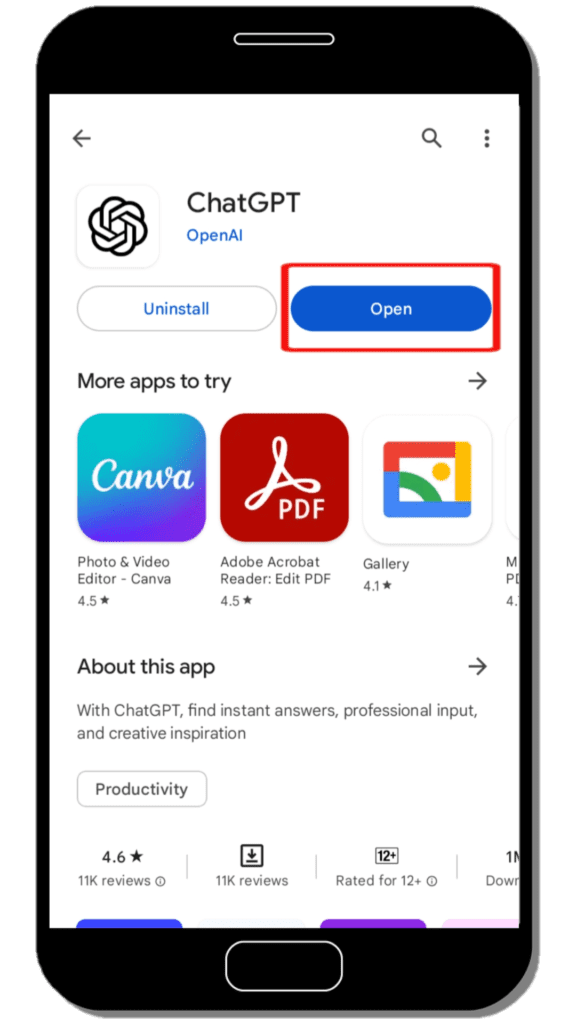
Step-4: After downloading, click on “Open” button.
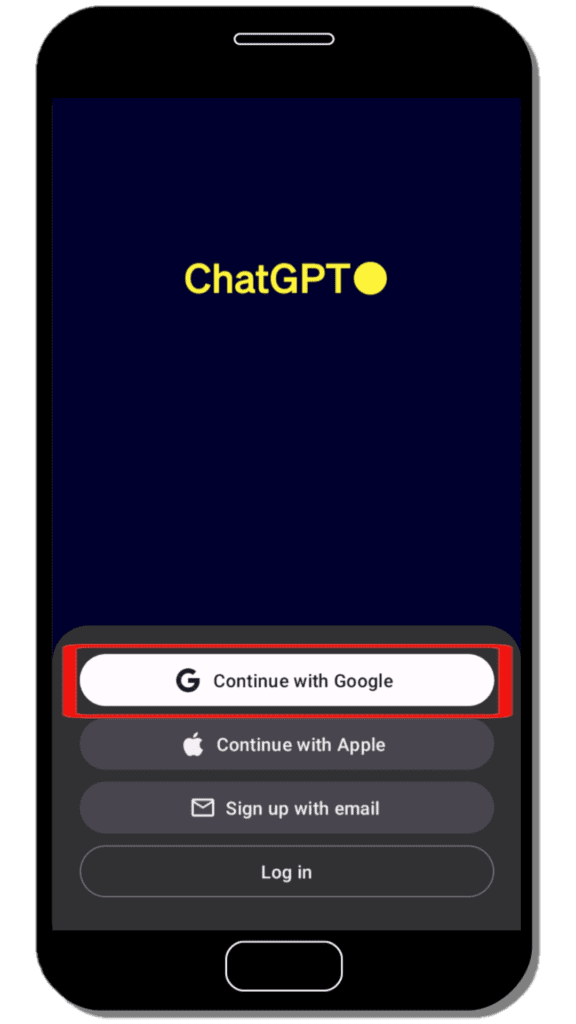
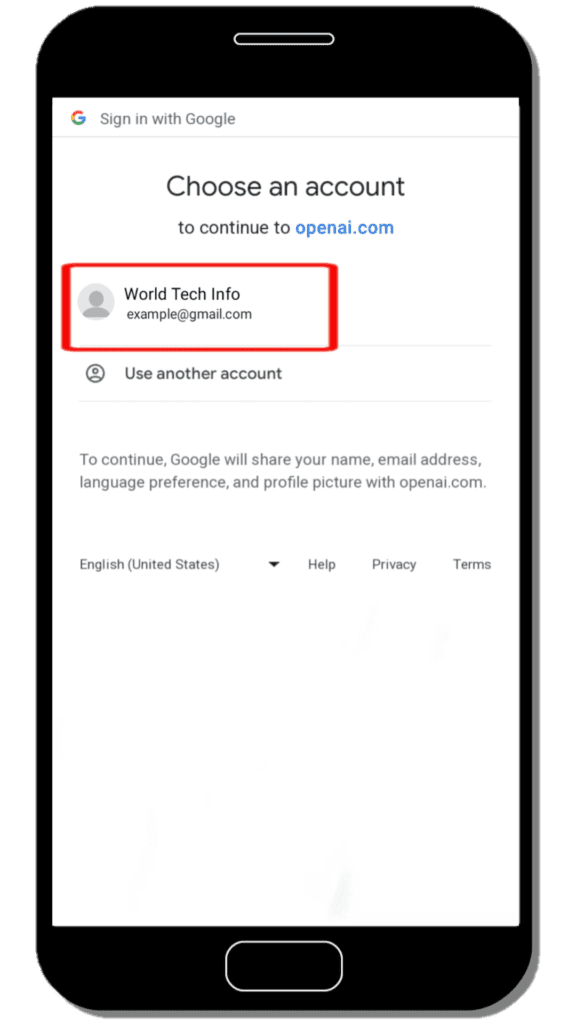
Step-5: Now click “Continue with Google” button and then Choose an Account by which you want to sign in.
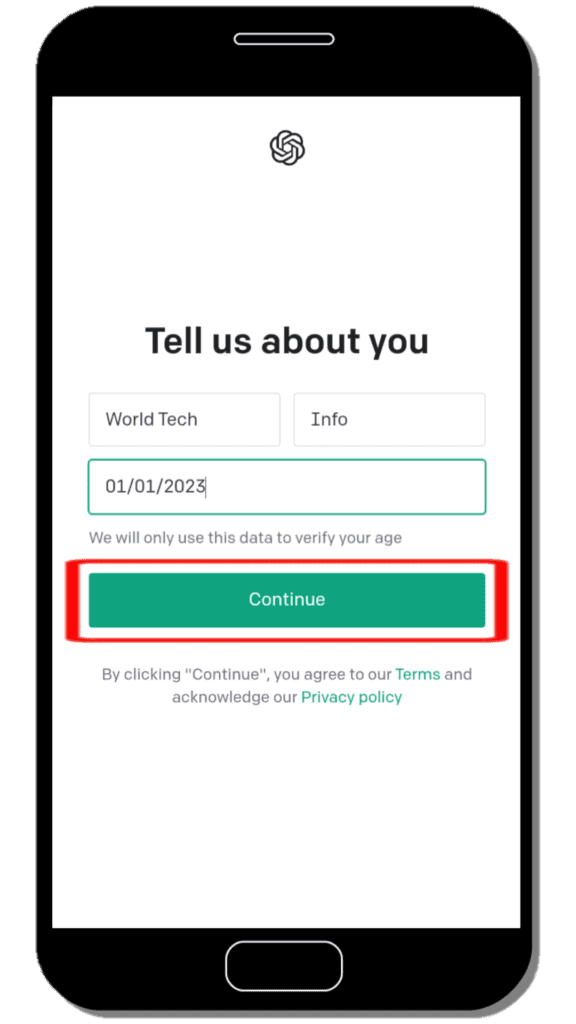
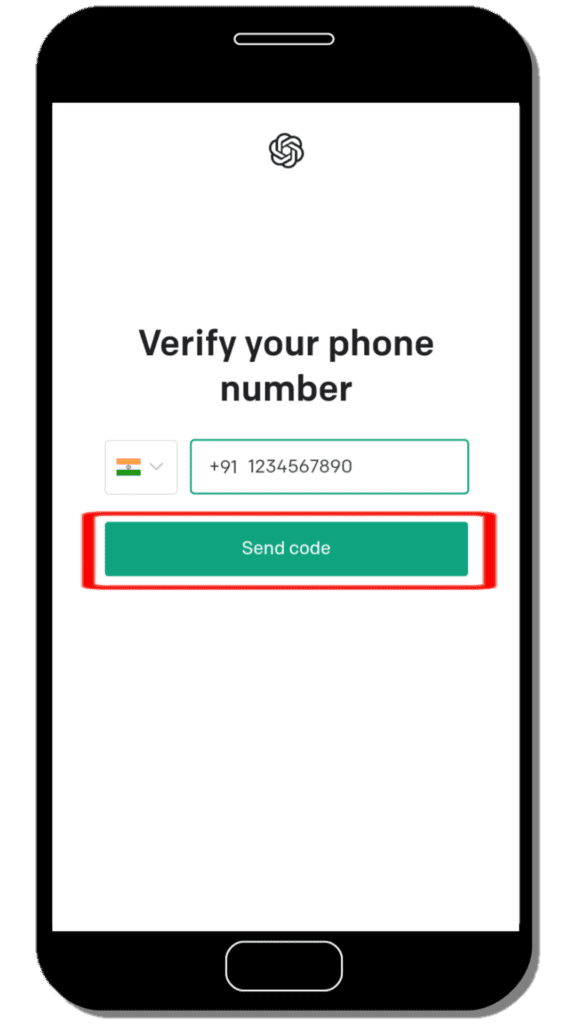
Step-6: Fill the form (enter your First name, Last name and Birthday) and click “Continue” button after that Verify Your Phone Number.
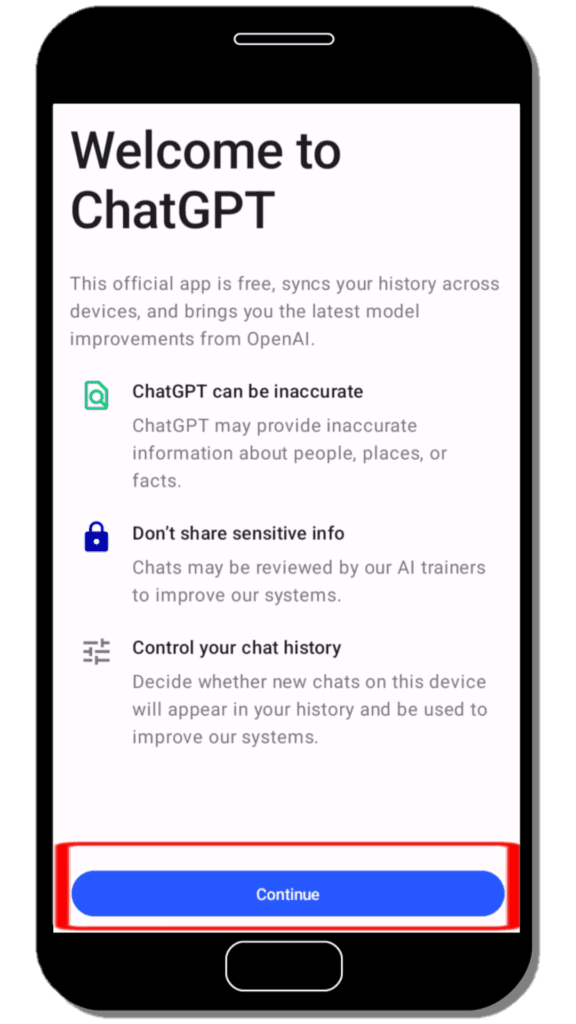
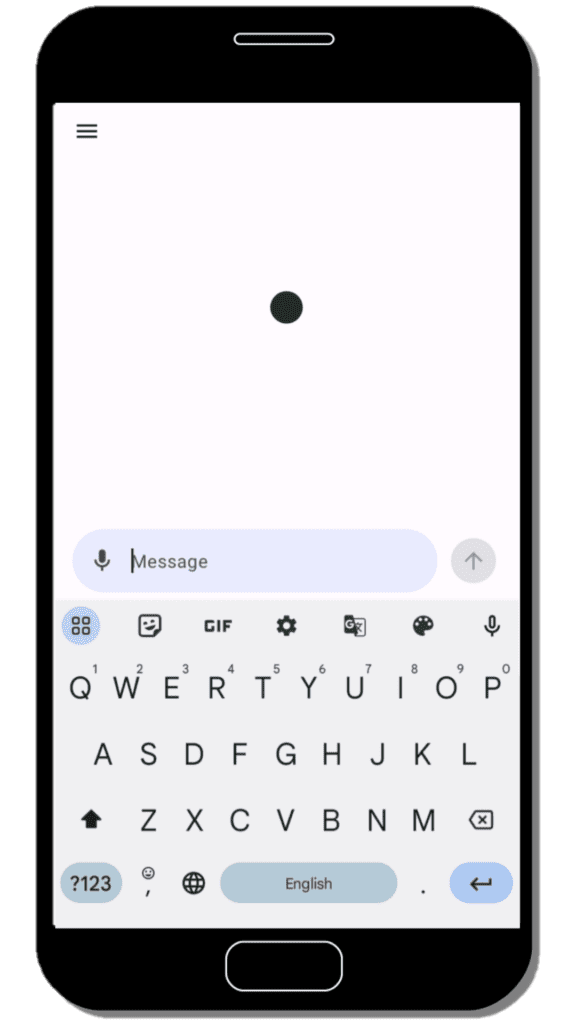
Step-7: “Welcome to ChatGPT” pop-up appear, click “Continue” button and then start to use ChatGPT.
Note:- *If you have already ChatGPT account then you can skip Steps-5 & 6 and follow these steps.
Step-8: Click on Log in button.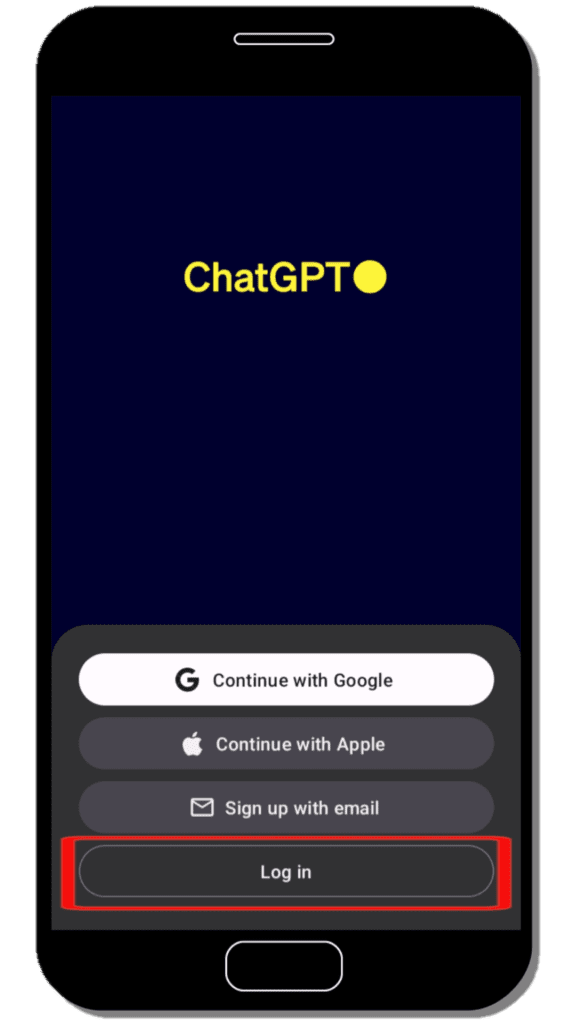
Step-9: Then enter your Email address click “Continue” button now enter Password and again click “Continue” button.
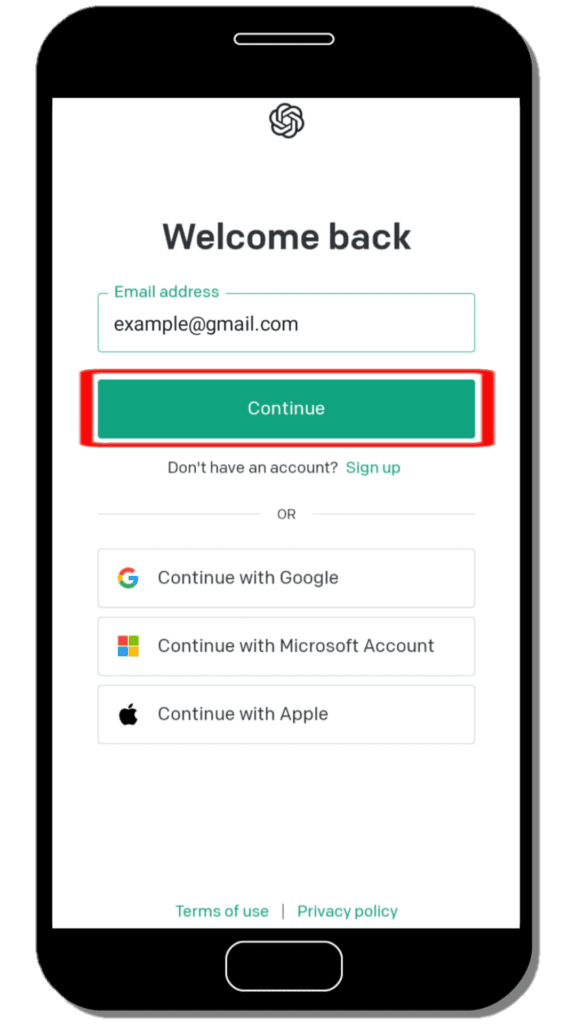
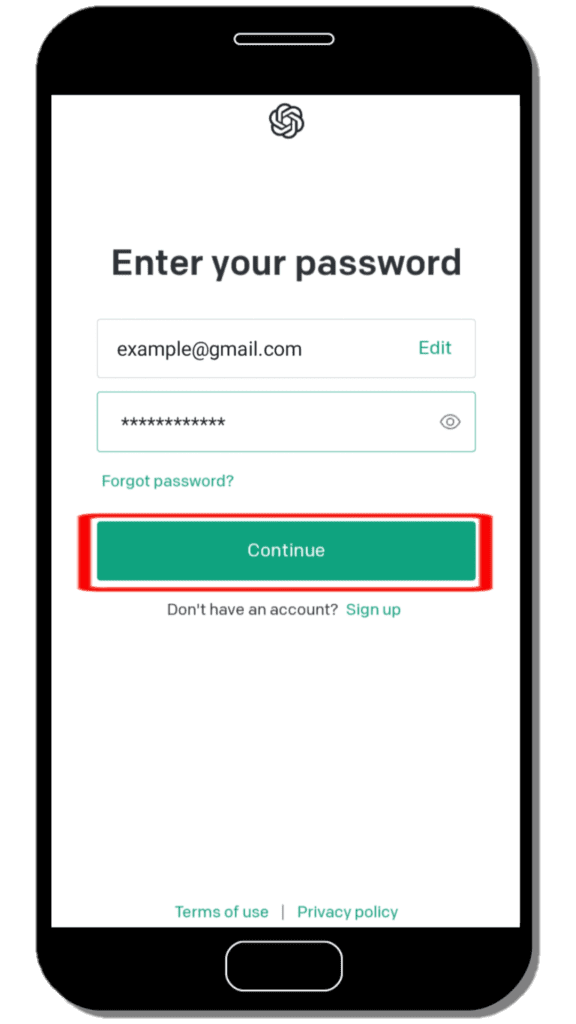
Step-10: “Welcome to ChatGPT” pop-up appear, click “Continue” button and then continue to use ChatGPT.
ChatGPT can be used for many purposes, including:
- Generating creative text formats: ChatGPT can generate different creative text formats of text content, like poems, code, scripts, musical pieces, email, letters, etc.
- Answering your questions: ChatGPT can answer your questions in an informative way, even if they are open ended, challenging, or strange.
- Helping you with tasks: ChatGPT can help you with tasks like writing, research, and brainstorming.
- Having conversations: ChatGPT can have conversations with you on a variety of topics.
ChatGPT is still under development, but it has learned to perform many kinds of tasks. It is a powerful tool that can be used for a variety of purposes.
If you are looking for a powerful AI-powered language model that can help you with a variety of tasks, then ChatGPT is a good option to consider.
Also Read: Will Artificial Intelligence (AI) Rule Over the World?
FAQ
Can I use ChatGPT for free?
Yes, you can use ChatGPT for free. OpenAI offered free access to ChatGPT during its research preview phase. However, they also had a paid subscription plan called 'ChatGPT Plus,' which provided additional benefits like general access even during peak times, faster response times, and priority access to new features and improvements.
Is ChatGPT safe to use?
Yes, ChatGPT is safe to use. OpenAI has put considerable effort into making the system more responsible and addressing potential issues related to bias, misinformation, and harmful outputs. They have implemented safety mitigations to reduce the likelihood of generating inappropriate or harmful content.
Is there other alternatives of ChatGPT?
Yes, there are so many alternatives of ChatGPT like, Google Bard, Jasper Chat, Chatsonic, OpenAI Playground, Microsoft Bing AI and so on. The best choice for you depends on your unique needs and requirements. Take some time to explore these options to find the one that suits you best.
When was ChatGPT launched?
ChatGPT was launched by OpenAI on November 30, 2022.
What is the full form of ChatGPT?
Chat Generative Pre-Trained Transformer.
Is ChatGPT available on Android?
Yes, ChatGPT mobile app is available on Android.
Is ChatGPT available on Play Store?
Yes, ChatGPT is available on Play Store.
Is ChatGPT app free?
Yes, ChatGPT app is free to use with some limitations. You can upgrade to 'ChatGPT Plus' for more features by paying $20/month.
When was ChatGPT mobile app launched?
ChatGPT mobile app was officially launched on July 26, 2023 for Android.